
On this page
The answer to how to buy a domain name is to choose an available name, register it through a reputable registrar, verify your contact information, and configure it for your website or email.
Registration gives you the right to use a domain for the registration term, subject to the applicable agreement. It is not a one-time purchase that lasts forever.
You can register a domain before your website exists. You can also buy registration and hosting from different companies, provided you configure the domain to point to the service you actually use.
Choose a name and extension you can maintain
Prioritize a name people can repeat accurately. Say it aloud, type it without looking, and ask someone else to spell it after hearing it once.
Keep the intended use in mind. A personal portfolio, local business, and software project may need different naming styles. Avoid adding unnecessary words merely because your first choice is unavailable.
Before searching, make a short list and consider:
- Whether the spelling is obvious.
- Whether punctuation makes it harder to share verbally.
- Whether the name could be confused with another organization.
- Whether the extension fits your audience.
- Whether any extension-specific eligibility rules apply.
Check for existing businesses and potential trademark conflicts. Availability in a registrar's search box is not legal clearance.
Think beyond the first launch. A very narrow name can become awkward if your project expands. On the other hand, buying a large collection of speculative variations creates ongoing renewal obligations. Start with the domain you can explain clearly and reasonably expect to keep.
Compare registrars before entering payment details
A registrar handles registration and domain management. Compare renewal terms and management constraints, not just the first search result or introductory offer.
Cloudflare Registrar documents at-cost registration and renewal, along with redacted registration information by default.
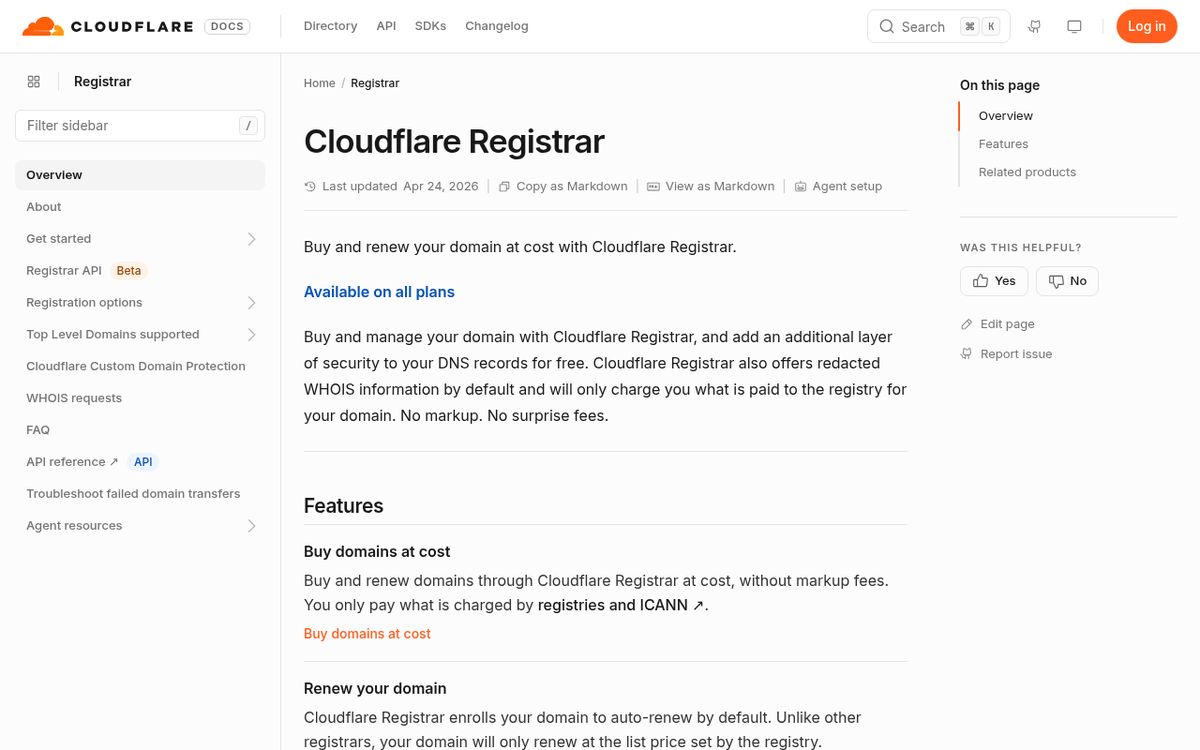
Check its current requirements and supported extensions before choosing it. A registrar's domain-management approach matters if you expect to use another provider's nameservers.
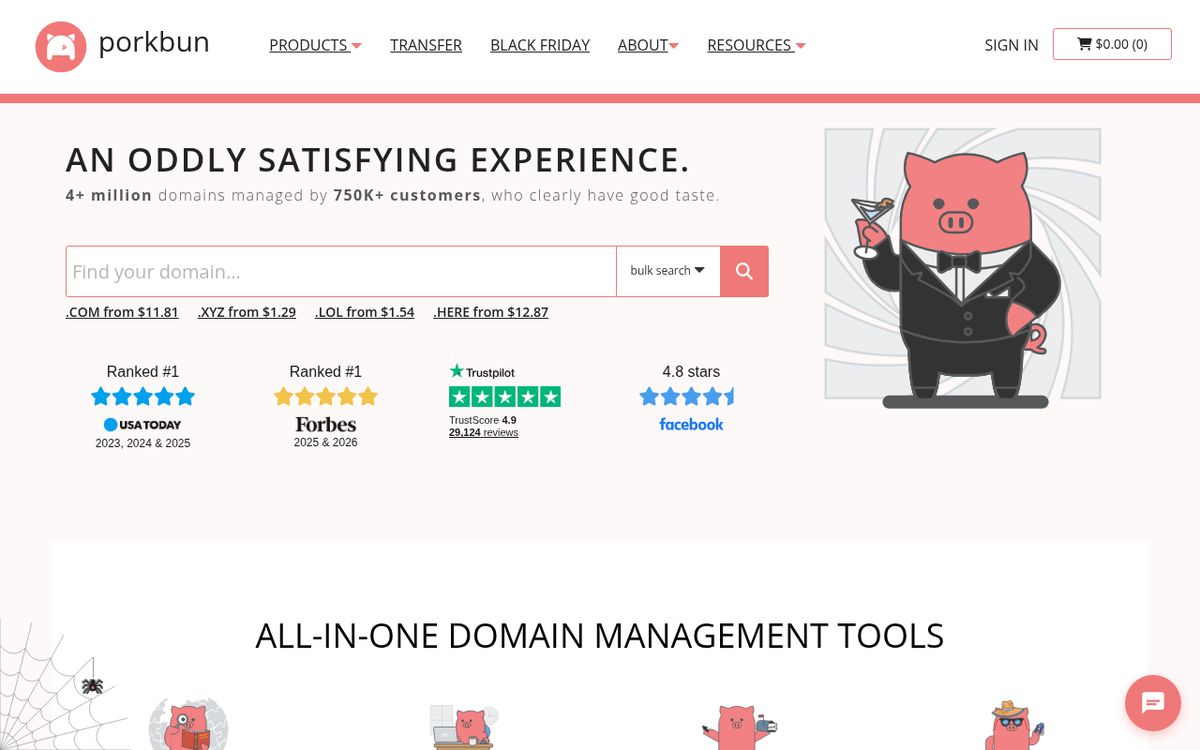
Porkbun lists domain-management features and advertises included privacy protection.
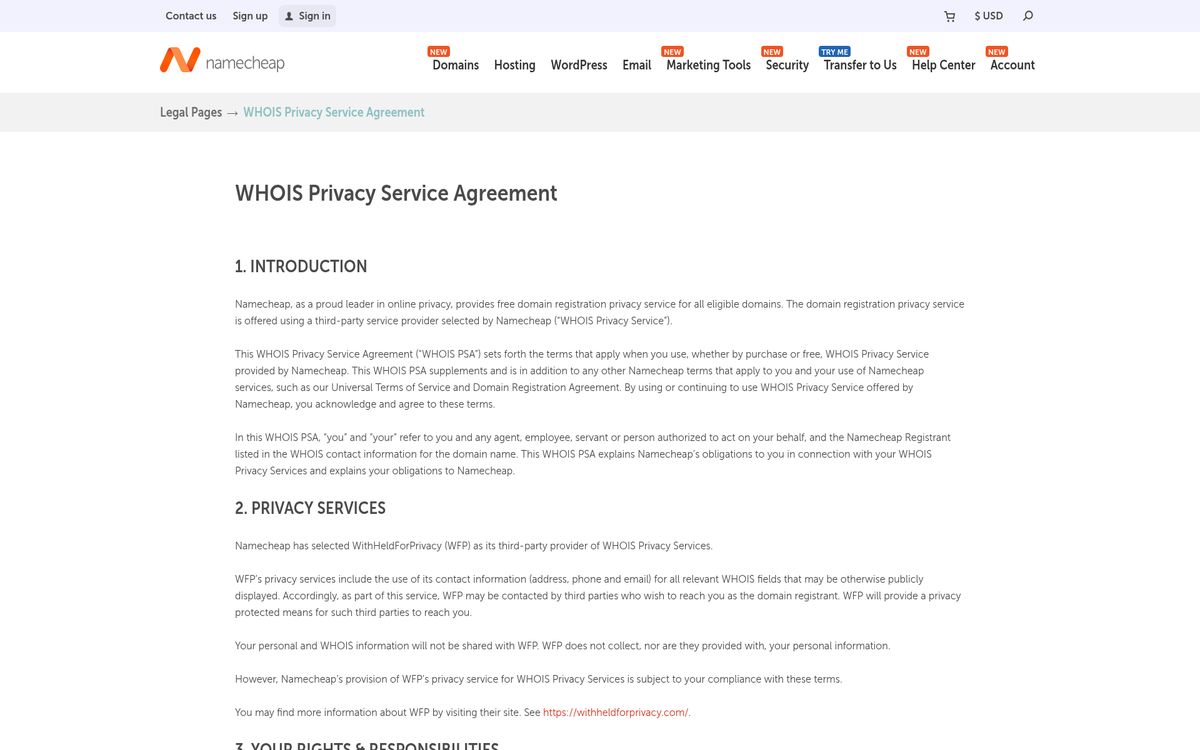
Namecheap's privacy agreement specifies free registration privacy for eligible domains.
Squarespace Domains is another official starting point for searching and registering names.

Compare the actual extension you want at each provider. Supported extensions, included services, privacy eligibility, and registration conditions can differ.
For a broader shortlist, see our domain registrar comparison. Then verify the current terms directly with the provider before paying.
Search availability and inspect the full cost
The key checkout distinction is registration versus renewal. A first-year promotion does not establish what the domain will cost to keep.
- Search for your preferred name at the registrar.
- Confirm the exact spelling and extension.
- Check whether it is a standard registration or a premium listing.
- Read the initial registration cost.
- Find the renewal cost and any premium renewal conditions.
- Review the registration term and applicable fees.
- Remove optional products you do not need.
An unavailable domain is not necessarily purchasable through an ordinary registration checkout. It may already belong to someone else, be reserved, or have special conditions.
Do not rush into a purchase because a search interface suggests urgency. Check the spelling again, including repeated letters and extension variations.
Review whether hosting, email, certificates, or website-building subscriptions have been added. Those products can be useful, but registration alone does not automatically require all of them. Know which items recur and when before you authorize payment.
Register with accurate contact information
Use contact details you can actually receive messages through. Privacy protection does not remove your responsibility to provide accurate registration information.
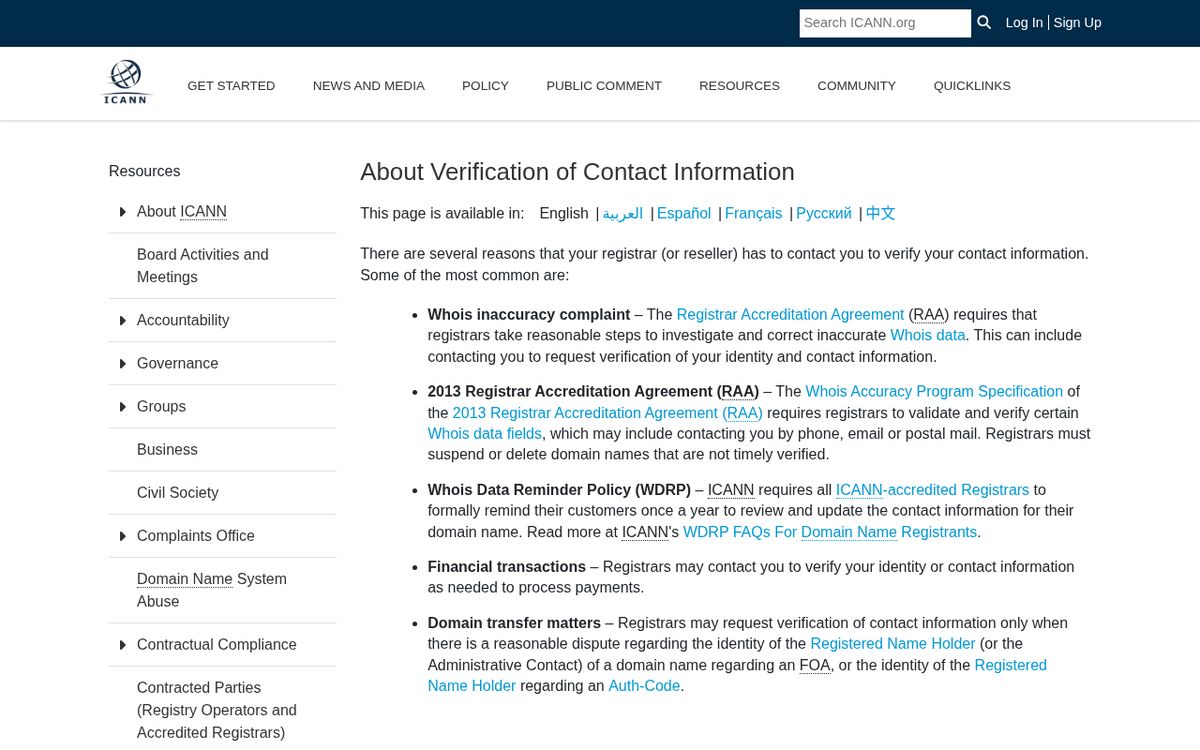
ICANN's contact-verification guidance explains why registrars may request verification and warns that unverified registrations can be suspended or deleted.
Complete registration carefully:
- Create the registrar account with a strong, unique password.
- Enable the strongest account protection available to you.
- Enter accurate registrant details.
- Review privacy availability for the chosen extension.
- Complete payment.
- Open the registrar's verification message and follow its instructions.
- Save the receipt and account-recovery information securely.
Use an email address you already control rather than depending entirely on an address at the new domain. Otherwise, a domain or mail configuration failure could also block important recovery messages.
Registration privacy generally reduces public exposure of contact information. It does not make you anonymous to the registrar, override legal obligations, or guarantee identical treatment across every extension.
Connect the domain using DNS
The next task is pointing the name to a service. Registration reserves the name; DNS tells internet services where to find the website, mail system, or verification information associated with it.
Your hosting or email provider should supply the exact records it needs. Common record types include:
- A records for an IPv4 destination.
- AAAA records for an IPv6 destination.
- CNAME records for an alias to another hostname.
- MX records for mail delivery.
- TXT records for verification and other text-based policies.
Follow the destination provider's instructions rather than copying values from an unrelated tutorial. Never guess an address because it resembles another customer's configuration.
Nameservers determine which provider manages the domain's authoritative DNS. Changing them is different from editing one record and can affect both website and email service.
Before replacing nameservers or deleting existing records, inventory what is already configured. If the domain is already receiving email, a careless DNS change can interrupt mail even when the website appears to work normally.
Protect the registration after checkout
The ongoing task is keeping control of the account and renewal. A successful first payment is only the beginning.
Check the domain's expiration date, auto-renewal setting, payment method, and contact email. Add your own calendar reminder as a backup. If a card expires or a billing message goes unread, an automatic renewal may still fail.
Keep account-recovery details somewhere that does not depend solely on the domain itself. If multiple people work on the project, establish who owns the account and who is responsible for billing before there is a dispute.
After configuring the website, test both the main address and any preferred alternate address. If you configured email, test sending and receiving separately.
Finally, keep copies of important DNS settings and registration receipts. A domain is easy to overlook when everything works, but it is a foundational dependency. Choose carefully, verify ownership promptly, and treat renewal as part of maintaining the project.
Reach designers & developers at work
Sponsored posts, links and listings, each clearly labelled as sponsored. One sponsor per placement.
Become a sponsor